 Featherclip

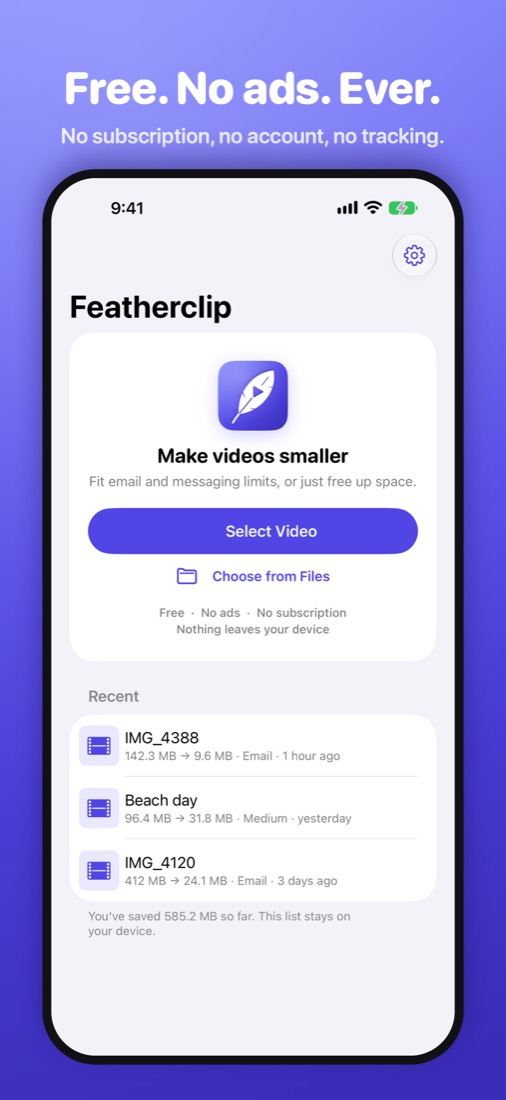
Compress To
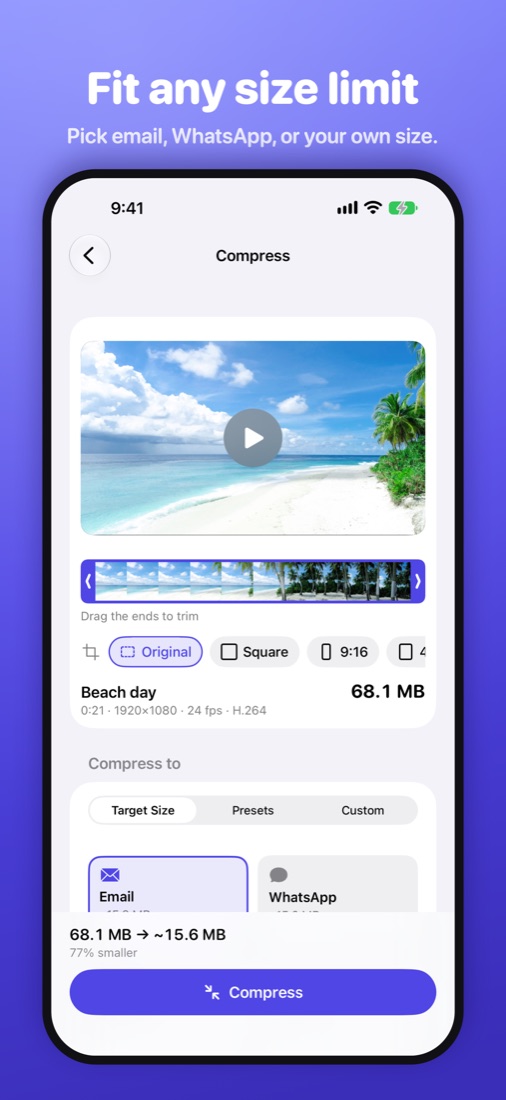
Fit Any Size Limit
Target size
Set a size in MB and get a file that fits.
Presets
High, Medium, and Small for a quick shrink.
HEVC or H.264
The smallest files, or the most compatible. Keeps HDR when it can.
Edit Before You Shrink
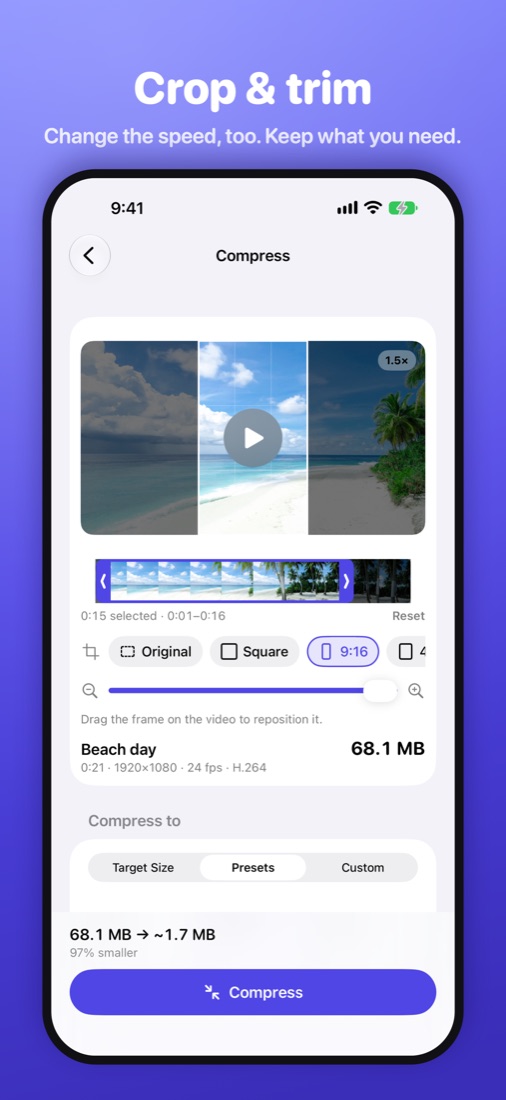
Trim
Keep just the part you need.
Crop
Square, 9:16, 4:5, or 16:9. Drag and pinch to frame it.
Speed
0.5× to 4×, with natural-sounding audio.
Private by Design
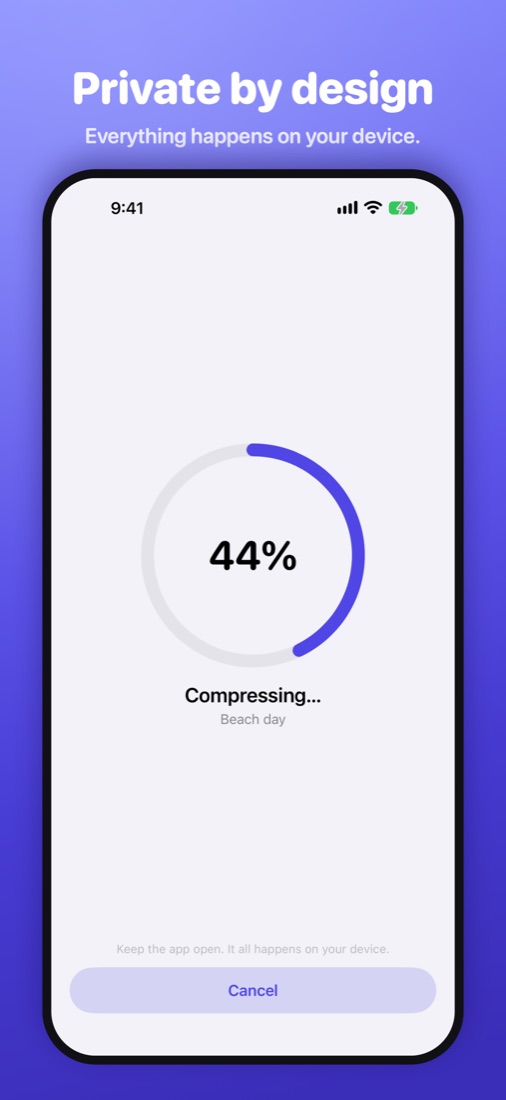
Your videos stay on your device
Compression happens on your iPhone. Videos are never uploaded.
Metadata removed
Location and other details are stripped by default.
No account
Nothing to sign up for. Just open it and go.
Works the Way You Do
Several at once
Pick a batch of videos and compress them together.
From the share sheet
Tap Share in Photos, then “Compress Video.”
Free up space
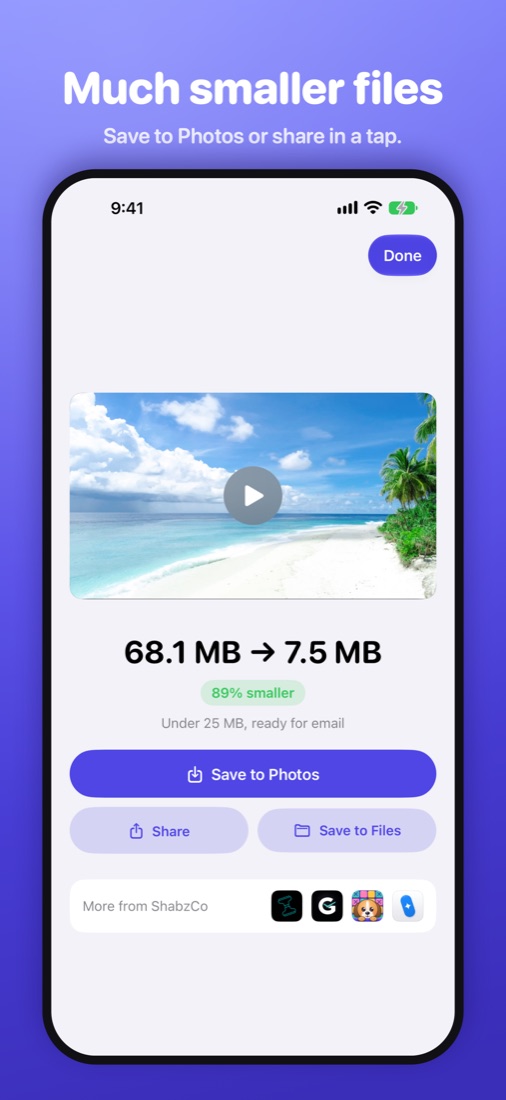
Save the small copy to Photos and optionally delete the original.
Free. No Ads.
Free, for real
No ads, no subscription, no watermark. An optional tip jar says thanks.